Tuesday, May 12, 2026
Volt MCP: Connect WhatsApp Into Any AI

Fede
The Problem
AI is everywhere now. Teams are wiring them into Slack, email, CRMs, databases. But WhatsApp, where most of your conversations are, stays awkward to connect.
That's the gap Volt MCP closes.
What It Is
Volt MCP is a developer API that exposes 9 tools:
- send-message — Send WhatsApp messages to phone numbers or chats
- search-contact — Search WhatsApp contacts, groups, and recent chats by name or phone number
- list-chats — List WhatsApp chats (individual and group), with optional filtering
- get-chat-messages — Read messages from a WhatsApp chat with optional filtering and date ranges
- create-group — Create a new WhatsApp group with specified participants
- add-participants-to-group — Add participants to an existing WhatsApp group
- remove-participants-from-group — Remove participants from a WhatsApp group
- promote-participants-to-admins — Promote participants to admins in a WhatsApp group
- demote-participants-from-admins — Demote participants from admin status in a WhatsApp group
Authentication is API key-based.
What You Can Build
A few things it unlocks:
- Recurring scheduled messages
- Check dormant leads and draft follow ups
- Broadcast workflows triggered from your own backend
- Create groups with every new client
- Read all groups and bring a sentiment score for customers
- At the end of the day, summarize all the conversations you had
- On Monday, surface the messages that were left hanging from the previous week.
Getting Started
For setup instructions and usage details, read the Volt MCP documentation. You’ll need a Volt account; follow the guide for OAuth or API key setup.
If you build something with it, we'd love to hear about it.
Quick Start
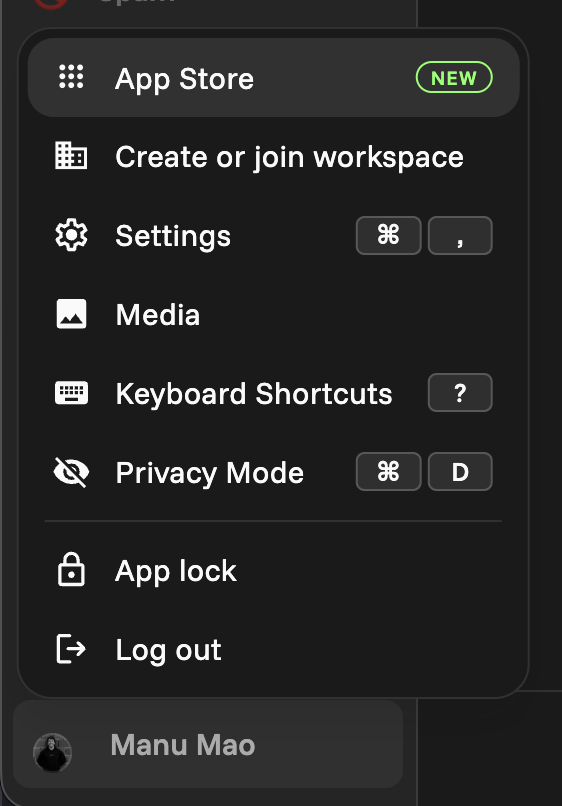
- Go to you
Profile Picture > App Store
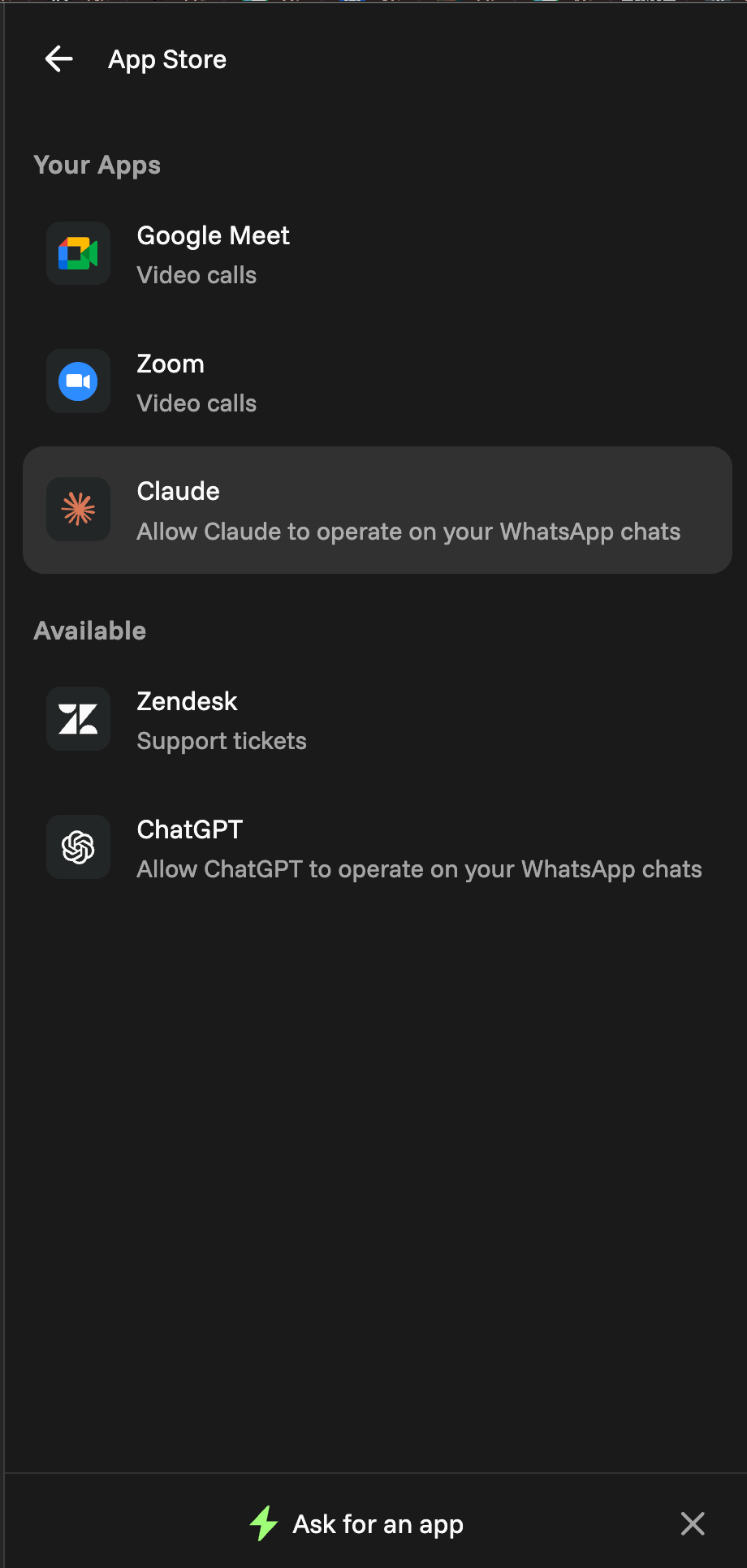
2. Pick your favorite provider: ChatGPT or Claude
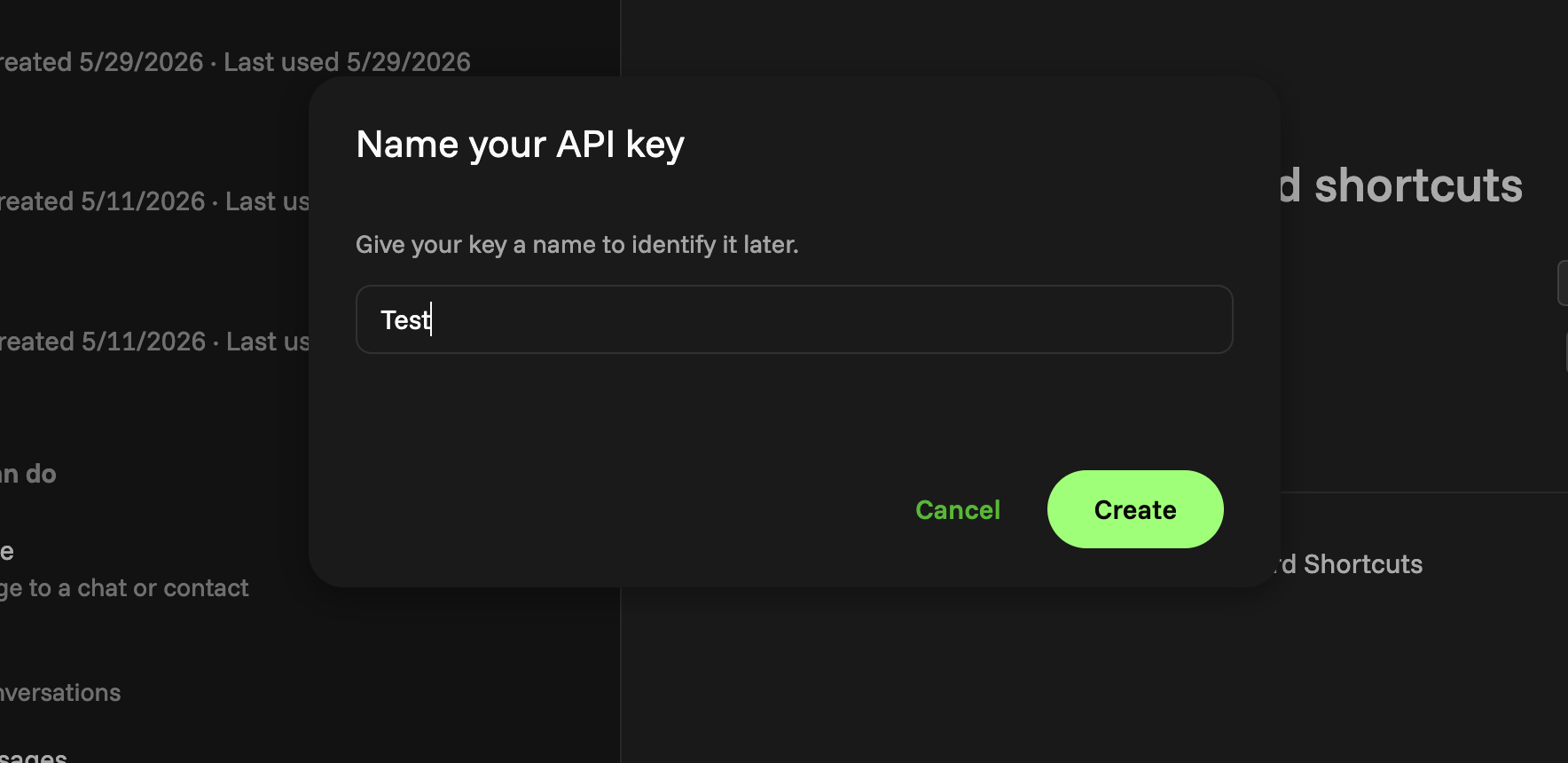
3. Create and Name your API key
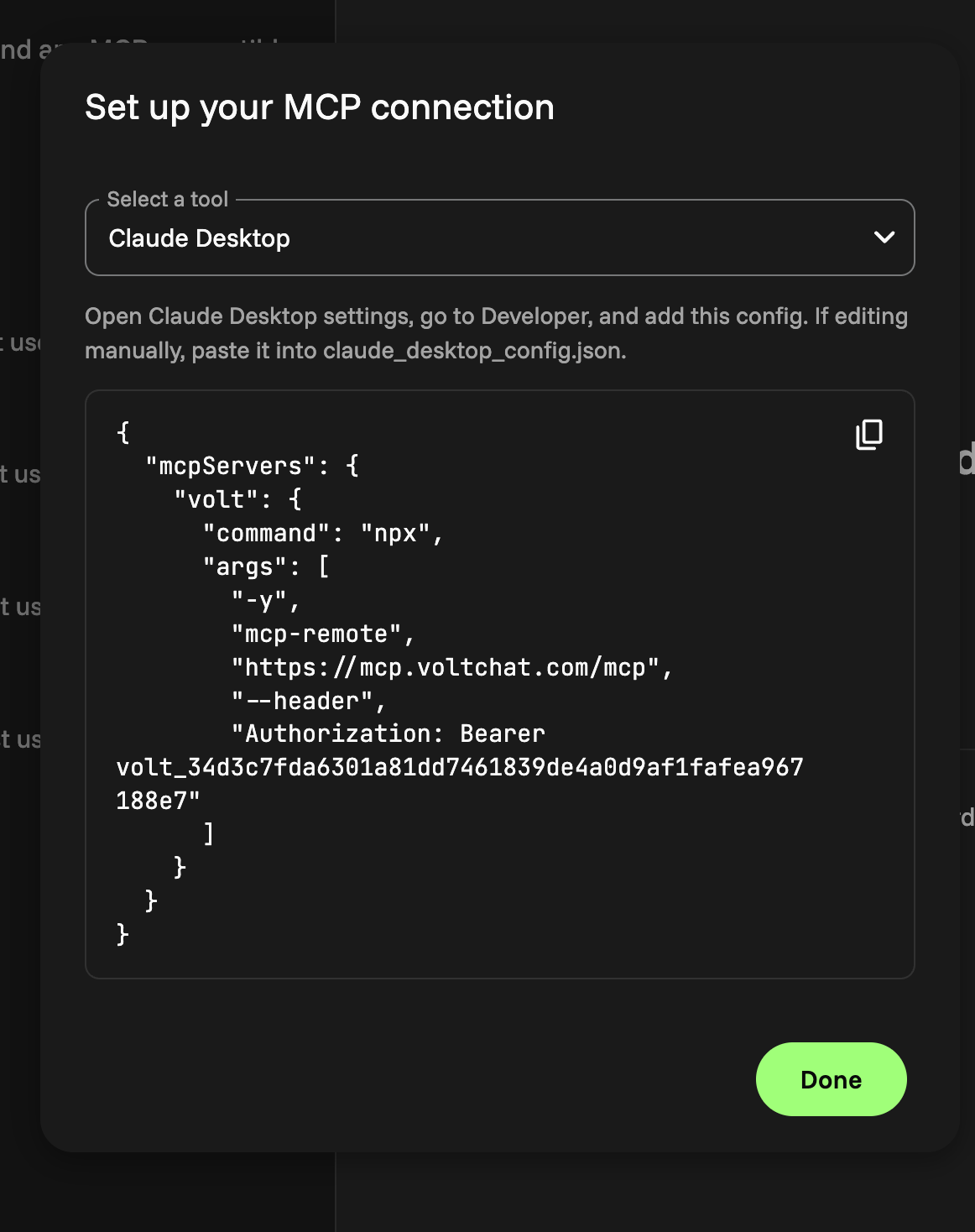
4. Select the tool you will connect
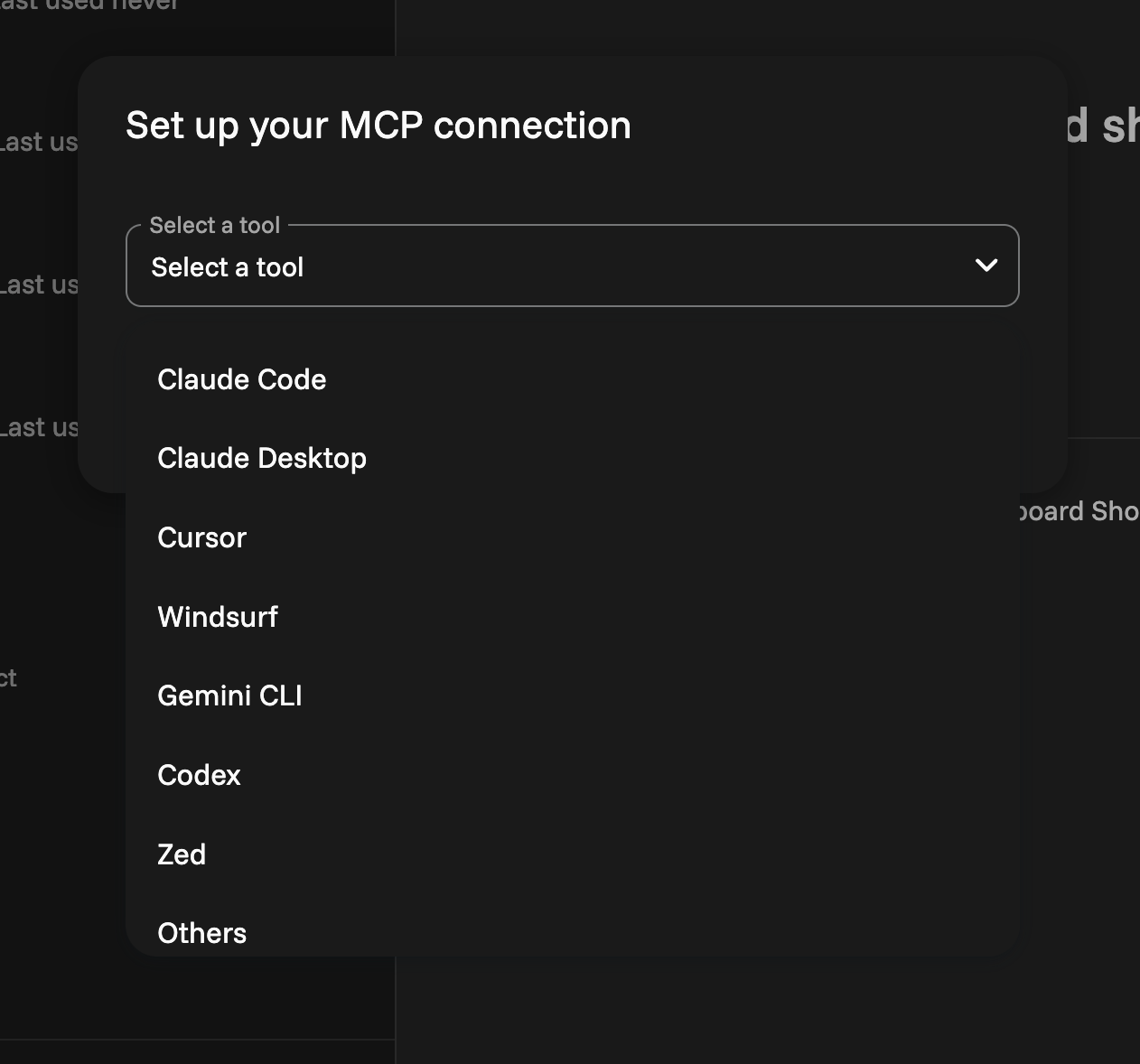
5. Follow the instructions for the picked tool